
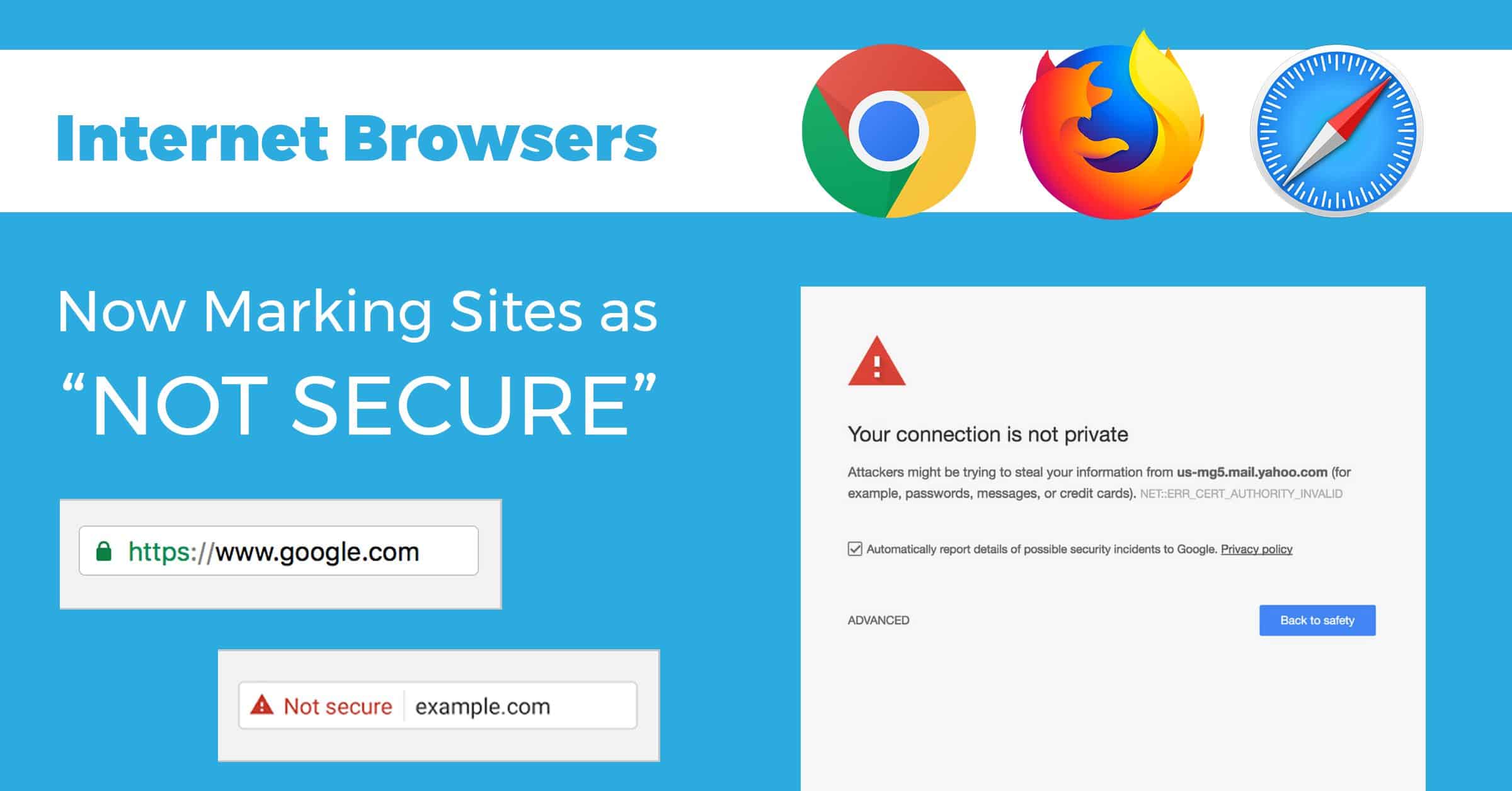
Does your website have an SSL certificate?
If not, Chrome, Firefox and Apple Safari mark you as “not secure.”
How can you tell?
When you look at your URL bar you will see either http:// or https:// before www.example.com. Google Chrome already positively labels sites that have been secured with an SSL certificate. They earn a little green padlock, with the word “Secure” next to their website address.

In other browsers, you can tell if your site is protected by reading the domain name. Does it say “https” at the beginning? If so, congratulate yourself! That “S” stands for “secure,” and means that you have an SSL certificate installed.
http://www.example.com vs. https://www.example.com
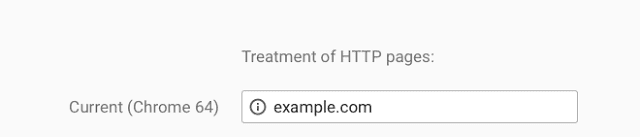
If your domain name instead says “http://” without the “s”, then you’re using a normal, unsecured connection. Chrome will display a gray “i” inscribed in a circle that you can click for more info instead of the green padlock.

What does this mean?
Google Chrome displays notices in the URL bar if a site doesn’t use an SSL certificate. They already are ranking https (this is the secure, SSL certificate version) sites higher than standard http.
Google has already started putting notices in the URL bar to let the users know if the company has secured their website.
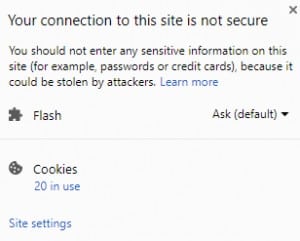
If you click on the warning sign you get this popup message:
Eventually, they will be rolling out an actual warning sign.
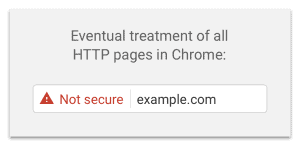
Users will now think your website is a threat. This will deter them from looking at what you could offer them and you’d be driving them right to your competitors. Make sure you secure your website to avoid all of these warning signs!

How can your Twin State Tech Team help?
- If you don’t have an SSL certificate, we can help purchase and install one for you.
- Any WordPress sites hosted with Twin State receives a free SSL certificate!


