
Blog & Updates

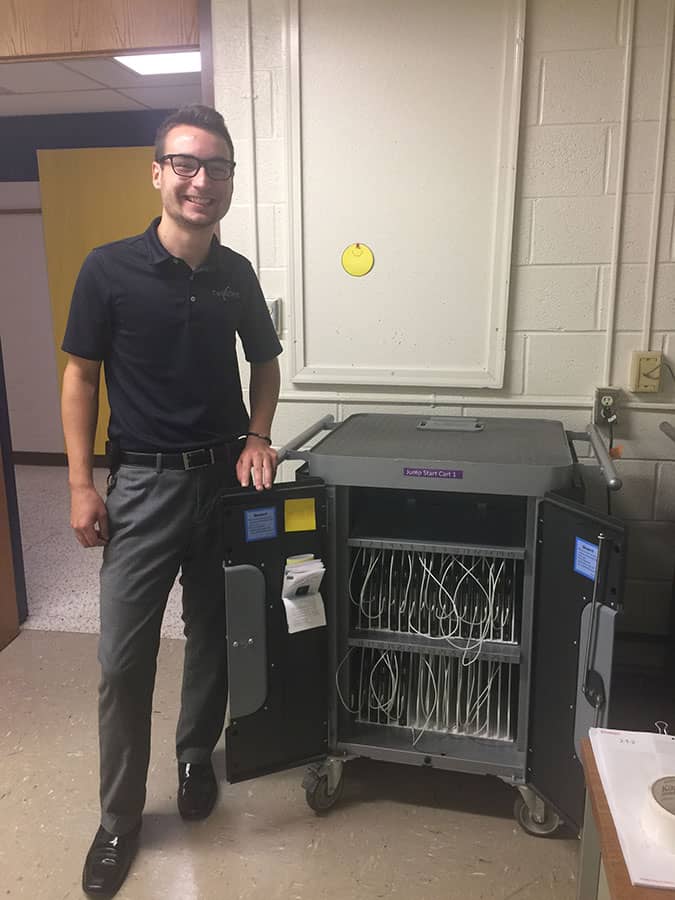
Brett working at a school

It’s Back-to-School Time!

As the school year begins, we would like to wish the faculty and staff a good school year. It has been a pleasure working with you and we are looking forward to working with you throughout the school year and for the years to come.  

Read More
Locate, troubleshoot, and recover lost cell phones with expert tech support from Twin State Technical Services.

6 tips to quickly find your cell phone

We have all had this happen, you are ready to walk out the door, and suddenly you realize can’t find your smartphone! Of course, there is the obvious “retrace your steps” and have a friend “call you”… but what if that doesn’t work? Take a breath, we are going to help you out! You can quickly see the GPS location of your phone using your google or iCloud account. Use an android? – just google from any computer or device “google find my phone”, and log in. (Hint: if using a friend’s phone, use “private browsing mode”. Use an iPhone? – login to iCloud.com and open “find iPhone”. If you have not already, go here to learn how to enable

Read More
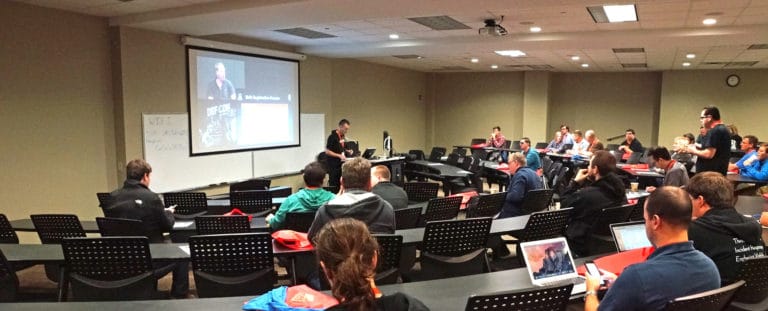
Professional IT consulting presentation at Twin State Technical Services conference on cloud computing solutions.

TSTS June Event Recap: Moving to the Cloud? Pros and Cons

On June 26th, 2018, Eddy Boggs (Networking Director) gave a free seminar to discuss the pros and cons of Cloud integration for various business types. On-Premise vs. Cloud There are advantages and disadvantages to both data storage platforms Costs Cloud – You get to rent out someone else’s space and use it as long as you want. Also, you pay only for what you use. So, if you use 10GB of space one month and only 2GB in another, you pay accordingly. This way, you have the choice to adjust usage based on your cash flow. On-Prem – You’ve already paid for the resources, so no re-occurring costs.  Adjusting usage based on your cash flow is not needed. Growth Cloud

Read More
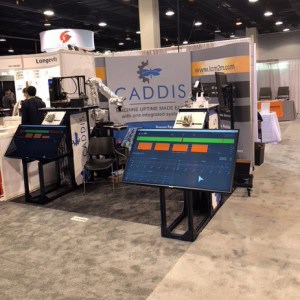
Video production equipment setup for industrial safety demonstration at Twin State Technical Services.

Barron Equipment: Product Video Shoot

Our video team filmed a couple product videos for Barron Equipment, featuring some of the talented and knowledgeable Barron employees. Contact Twin State Studios if you are looking to produce some high quality product videos.          

Read More
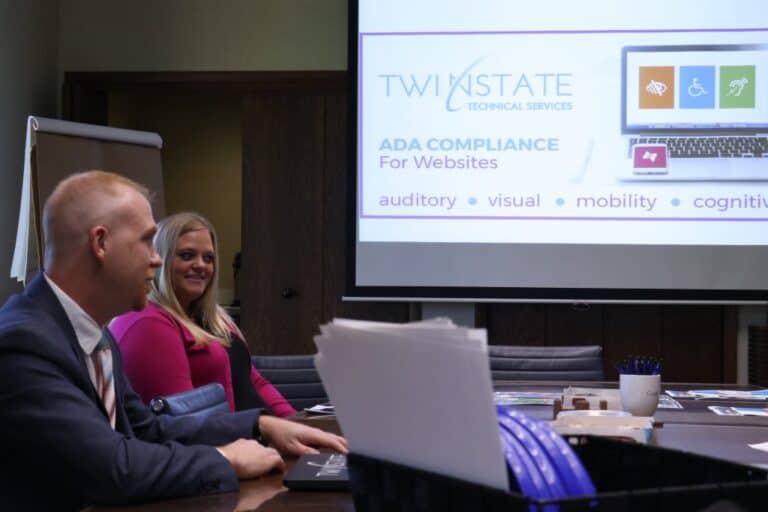
Accessible web design for ADA compliance over websites featuring assistive technology icons and Twin State Technical Services branding.

FREE TSTS SEMINAR: ADA Compliance for Websites

Join us at Twin State Technical Services on July 26th (10 – 11) for an ADA seminar where we’ll go over all of this and help you discover the importance of ADA Compliance with your websites. Register Here! ADA Compliance for Websites – fonts, colors, images, documents and more. We’ll break down how to become ADA compliant and why it’s important for your business. Doing business online allows users to be able to reach you like never before.  With more than 15% of the population of the United States having some form of disability, it’s more important than ever to ensure everyone can reach and understand you – especially on your website. Your potential customers want to be customers, we’ll help

Read More
Cloud computing benefits and challenges for businesses, focusing on cloud migration, IT solutions, and technology services from Twin State Technical Services.

Cloud Seminar

    Date: June 26th [9:30 – 10:30] Location: Twin State Inc.  3543 E Kimberly Road, Davenport, IA 52807 Join us here at Twin State as Eddy Boggs (IT Network Manager) evaluates the pros and cons of cloud integration for your business. Sign Up Here!

Read More
High-quality IT services provided by Twin State Technical Services specializing in small business technology solutions.

5 Tips to Keep your Laptop From Melting in the Sun

Laptops are especially vulnerable to overheating because their compact design does not allow for as much air flow compared to the typical desktop computer. We have a few helpful tips here to keep your laptop and valuable files secure and cool through the summer.   1. Stay within 50 – 95 degrees Fahrenheit Most laptops are designed to work in these outdoor temperatures. If the temperature outside exceeds 95 degrees, the heat can cause hard drive components to expand which can cause failure and permanent hardware damage. Batteries are exceptionally vulnerable. A few short periods of exposure to excessive outdoor heat can cause a reduction in battery life. 2. Do NOT leave in your laptop in a car Even on

Read More
Comprehensive IT support and cybersecurity services by Twin State Technical Services.

“I only do business in the U.S.” Top 6 things to know about GDPR.

Does your business or website have ties with citizens of the European Union? Do you employ an EU citizen? Do you take leads on your website from outside the US? Do you scan or receive new leads and contacts from trade shows? Or maybe you have students that are EU citizens? If you answered yes to any of these questions, then you will be affected by the General Data Protection Regulation (GDPR) that goes into effect May 25, 2018. New regulations change the way EU citizens’ personal information is handled. Non-compliance can result in fines up to 4% of a company’s annual revenue. Personal data extends beyond a name, identification number, or location number. It includes “one or more factors

Read More

Meltdown and Spectre Vulnerabilities

April 13, 2018     Twin State Technical Services      ref: Meltdown and Spectre Vulnerabilities It seems fitting on Friday the 13th to talk about some of the scarier results in technology vulnerabilities. The design flaws in chipsets will take 3 – 5 years of architecture redevelopment to completely eliminate – so as a consumer, you don’t need to hold off on buying a laptop or surface – and in the meantime, vendors continue to release updates mitigate risks to computer systems and users. Twin State is actively monitoring the corrective patches for the “Meltdown” and “Spectre” vulnerabilities. Below are many links and statements from numerous sources that convey the current temperature of the issue. Some background on the issue: There are three

Read More

Have Problems with your Disks Getting Eaten Up by Windows 7?

[siteorigin_widget class=”SiteOrigin_Widget_Image_Widget”][/siteorigin_widget] There is a common problem with Windows 7 machines where the disk gets eaten up. This is caused by a log file compression bug that can fill up your hard drive. We do have a manual fix for this but we are not certain this can work in all cases. Why does this happen? This seems to be happening with Windows 7, 8, and 2008 R2, there are possibly other versions as well. The problem is accumulated log files have grown to a size that overwhelms. If you delete the files, you can start fresh, until you run out of hard drive space again.  How do you fix this? If your Windows 7 or 2008 R2 hard drive is overwhelmed

Read More

Need IT Support That Moves As Fast As You Do?

Whether you’re cleaning up tech chaos or scaling for growth, we’ll help you build a strategy that fits your business and your budget. Let’s start with a conversation.

No pitch. No fluff. Just clarity, confidence, and a plan built around you.

SIGN UP FOR OUR TECH TALK eNEWSLETTER

Bite-sized Tech Wisdom.
Zero Geek Speak

Once a month, we break down what’s new, what’s next, and what actually matters in IT – no jargon, no fluff, just practical insights you can put to work.

Newsletter Step 1
Scroll to Top